
Every instruction names who does the application and with what: an operator, and for most methods a tractor and a sprayer. Intecrop does not let you type these in on the instruction itself. It gives you a list to pick from, and the list is whatever you have added here.
So add them before you write your first instruction, and add a new one whenever someone starts or a machine arrives.
Add an operator
Choose Operators in the menu on the left. You will see everyone already on the list.
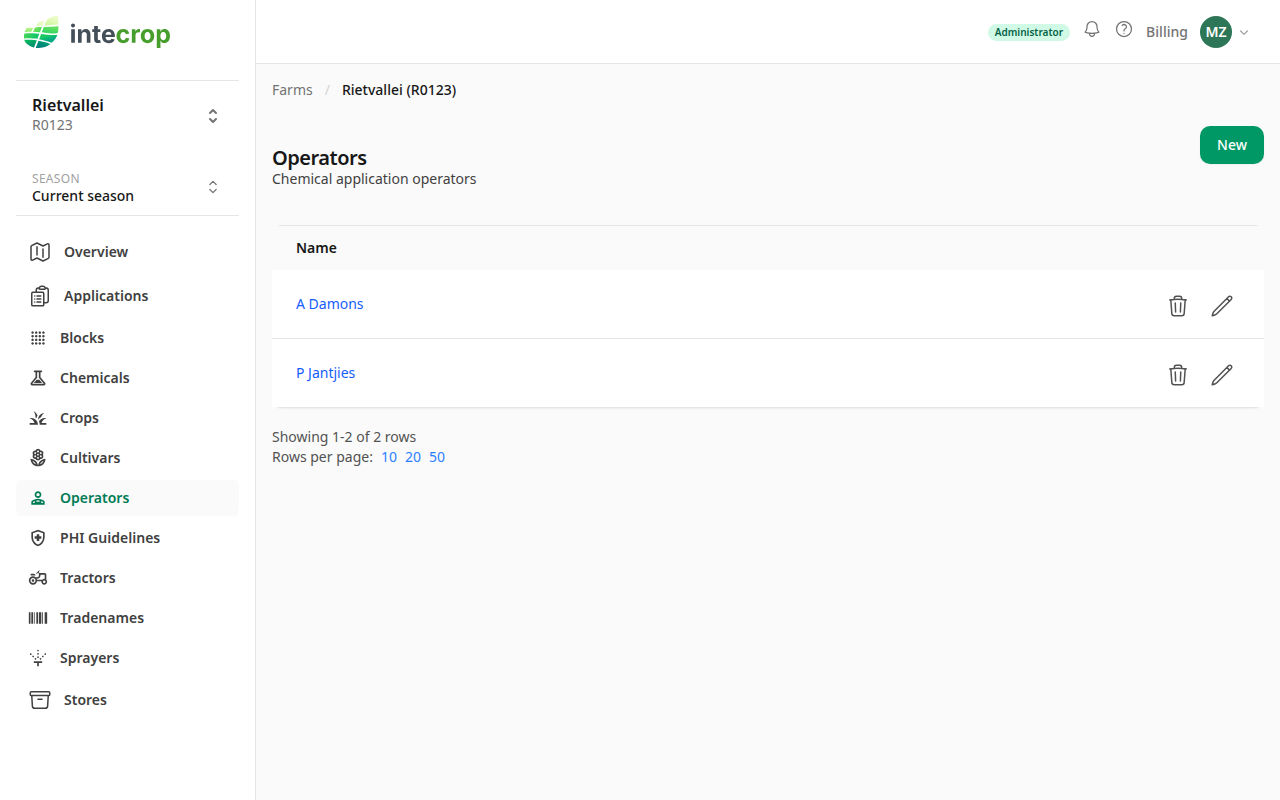
Press New, type the person's name, and press Save.
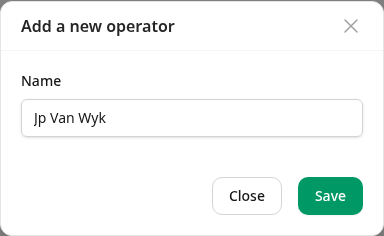
Intecrop changes the capital letters in the name. Every word is saved with
a capital first letter and the rest small, so JP van Wyk is saved as
Jp Van Wyk, and McDonald as Mcdonald. Editing the name afterwards does the
same again. A name can be up to 30 characters long.
Changing a name changes it everywhere. An application points at the operator, not at a copy of the name, so if you fix a spelling, the old applications show the new spelling too.
Removing someone who has worked on an application does not remove them from it. The applications they did still name them, but they disappear from the Operators page and from the Operator list on every instruction, including ones still being written. So finish the instructions they are on before you remove them. If they come back, add them again under the same name, and they return as the same operator.
Add a tractor
Choose Tractors in the menu, press New, give the tractor a name and press Save.
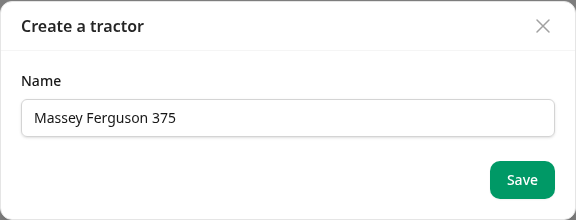
A tractor is only a name, so use one your operators will recognise on a printed instruction: the make and model, or the number painted on it.
Add a sprayer
Choose Sprayers in the menu and press New. A sprayer needs three things:
- Name — what your people call it.
- Sprayer type — what kind of machine it is. This decides which instructions it can be used on; see below.
- Volume (L) — how many litres the tank holds. The field only appears for a type that has a tank. A duster or a spreader has none, so the field goes away when you choose one of those.
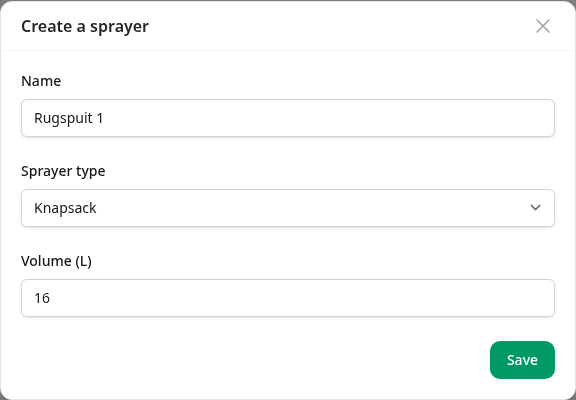
Press Save, and the sprayer is on the list with its type next to it.
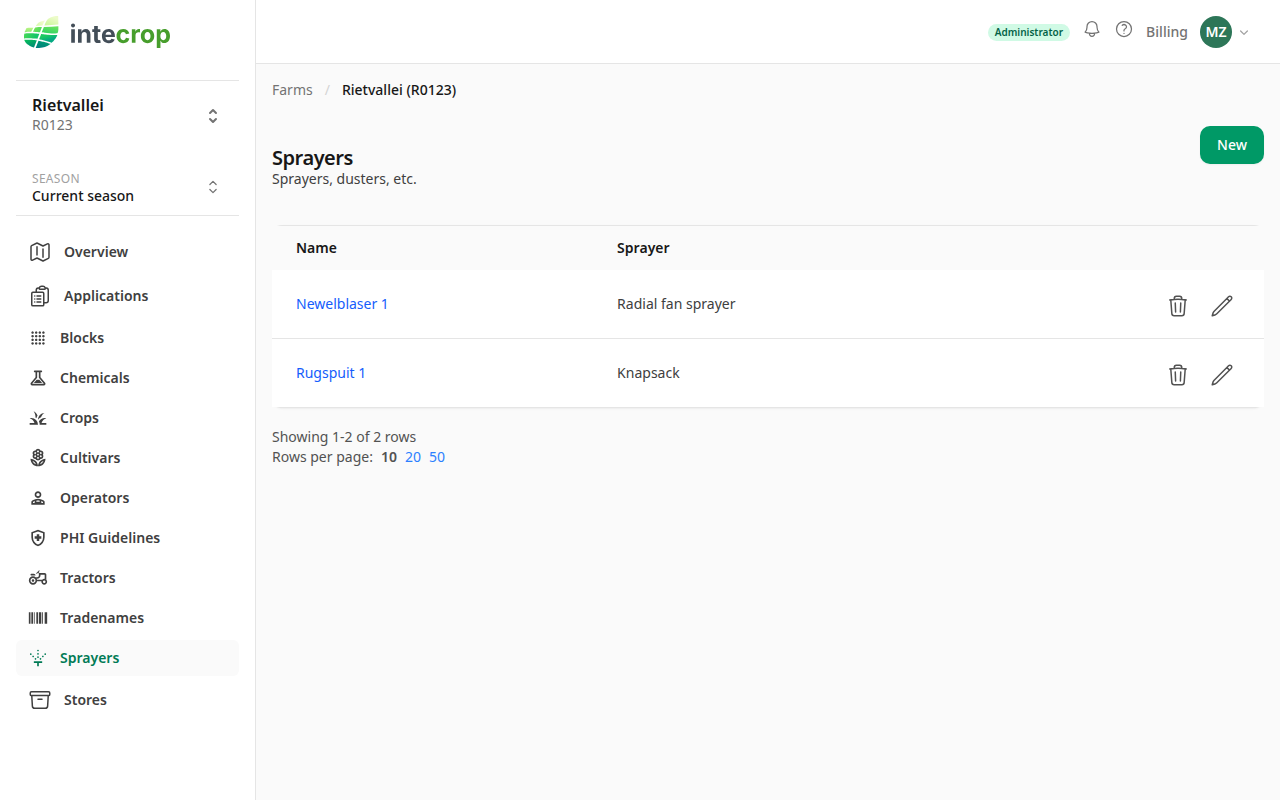
Get the volume right. On an instruction for a method that fills a tank — a mist blower, for one — the tank volume is not typed in. It comes from the sprayer, and Intecrop works out how much product goes into each tank from it. An instruction takes the volume at the moment you pick the sprayer. If you change the volume here later, instructions already written keep the old one.
Pick them on an instruction
On an application, press Add operator. The Operator, Tractor and Sprayer fields are lists of what you added above.
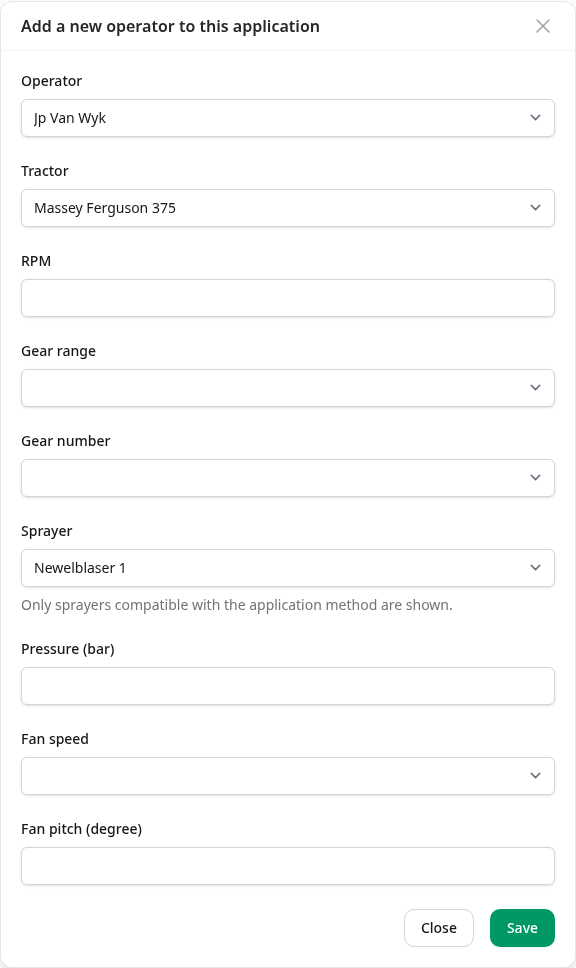
The Sprayer list only shows sprayers whose type suits the application's method. The form says so under the field — "Only sprayers compatible with the application method are shown" — but it does not say which ones it left out. A knapsack never appears on a mist blower instruction, however you named it.
So if a sprayer you know you added is missing from the list, the sprayer type is the first thing to check. On the Sprayers page, press the pencil next to it and see whether its type is the kind of machine the method uses.
Fix the type only if it was entered wrong. The type belongs to the sprayer, not to one instruction, so changing it changes which instructions it suits — all of them, including ones it is already on.
You cannot remove a machine that has been used
A sprayer or tractor that any application has used cannot be deleted. Its history is part of those applications' records. Remove it only if it was added by mistake and nothing has used it yet.