
Everyone who works on your farm in Intecrop logs in with their own email address and password. You give them access by adding that address to the farm with a role. The role decides what they can see and change, so pick the one that fits the job they do.
Who can do it
An administrator or a manager of the farm can add people. Only an administrator can add another administrator, and only an administrator can remove someone.
If you do not see the buttons described below, ask one of your farm's administrators.
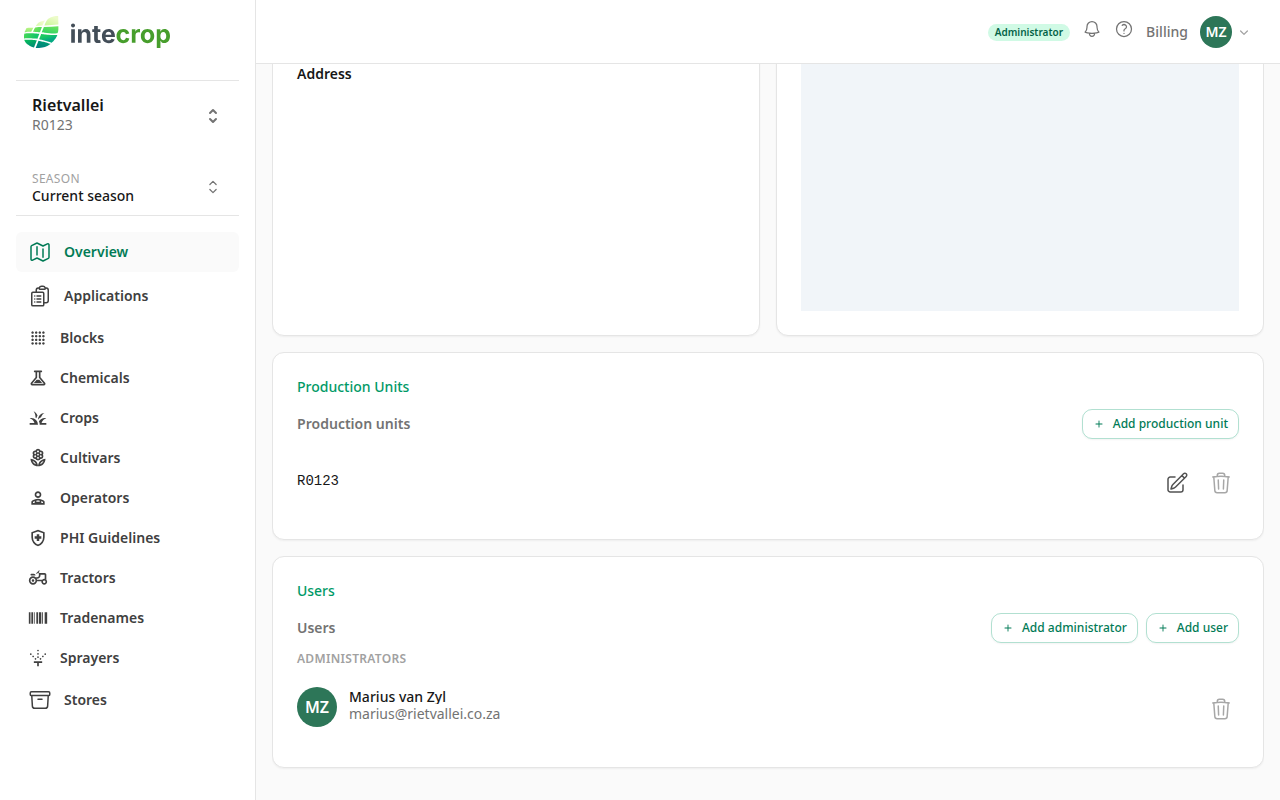
Open the Users card
Choose Overview in the menu and scroll to the bottom of the page. The Users card lists everyone who has access to the farm, grouped by role.
Add the person
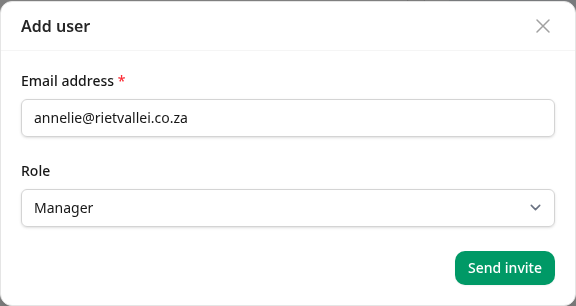
Press Add user. Type the person's email address and choose their role:
- Manager
- Financial Officer
- Compliance Officer
- Advisor
Then press Send invite.
Administrators have a button of their own, below. Operators are not added here at all: they are added on the Operators page.
What happens next depends on the address
Intecrop looks the address up, and one of two things happens.
The person already has an Intecrop account. Perhaps they are an advisor who works with several farms, or they run a farm of their own. They get the role at once, and you see "… was added to this farm." Their name appears on the list under their role, and they get an email saying they have been given a role on your farm. They can open your farm the next time they log in.
The address has no account yet. Intecrop sends them an invitation instead, and you see "Invitation sent to …". The address appears on the list under the role with a Pending label next to it. The email asks them to register, and it must be with the same address — when they register, the pending invitation turns into their role on your farm, and their name replaces the address on the list.
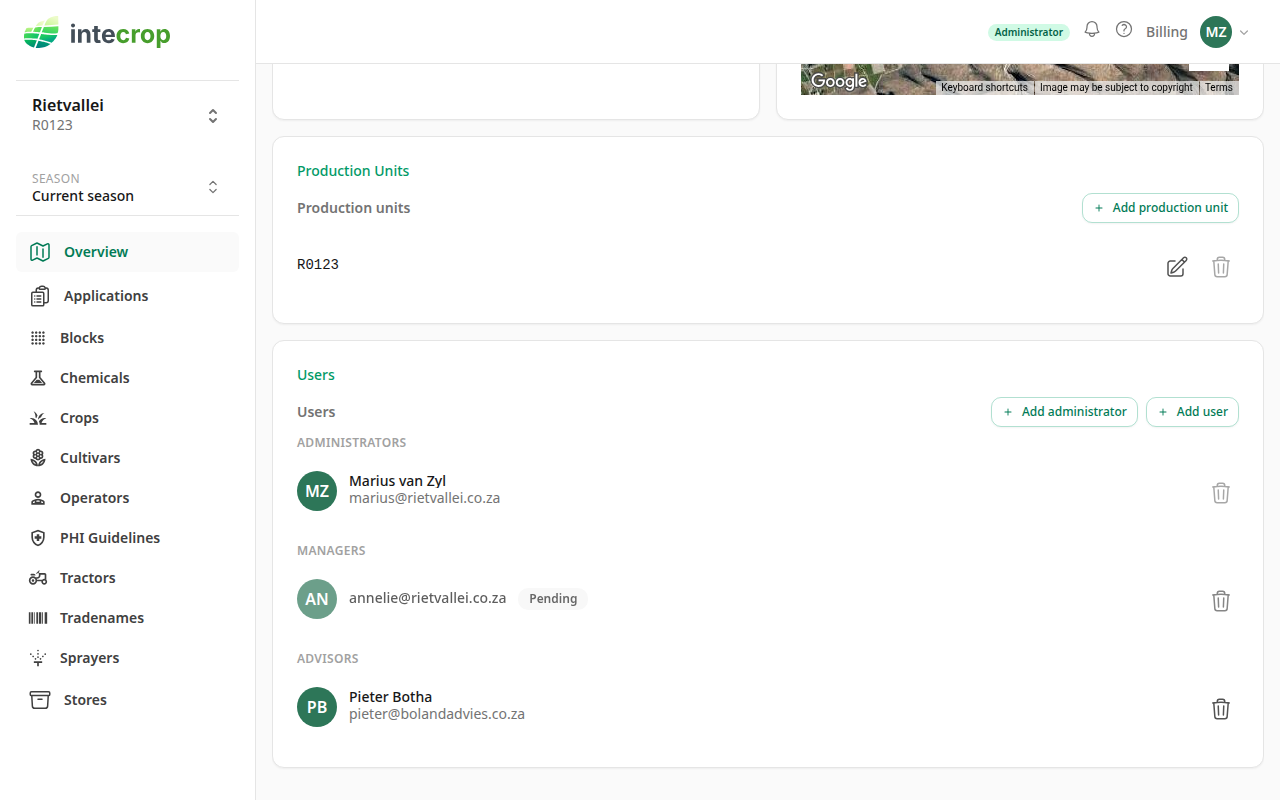
If they register with a different address, the invitation does not find them and stays pending. Ask them which address they used and add that one — it now has an account, so they get the role at once. An administrator can then remove the invitation that is still pending.
Add an administrator
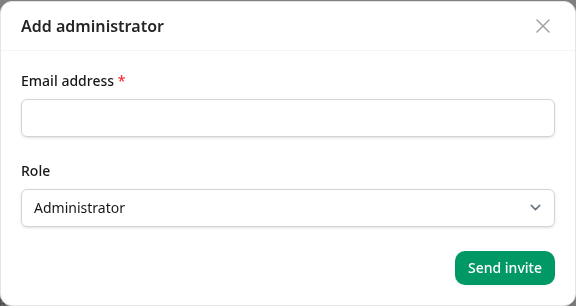
An administrator can add and remove other people, administrators included, so the role has its own button. Press Add administrator, type the address, and press Send invite. The form offers no other role. Everything else works the same way as Add user.
It is worth having two administrators. A farm always keeps at least one: the last administrator cannot be removed until another one is on the list by name. A pending invitation does not count — the new administrator has to register first.
Fixing a mistake
A wrong address, or a wrong role on an invitation. An address can be invited to a farm only once. An administrator removes the pending invitation with the bin icon on its row, and then sends a new one.
A wrong role for someone who already has access. There is no way to change a role in place. An administrator removes the person with the bin icon on their row, and then adds them again with the right role.
Someone has left. An administrator removes them with the bin icon. Their account stays — they may work with other farms — but they can no longer open yours. The records they captured stay on the farm.